
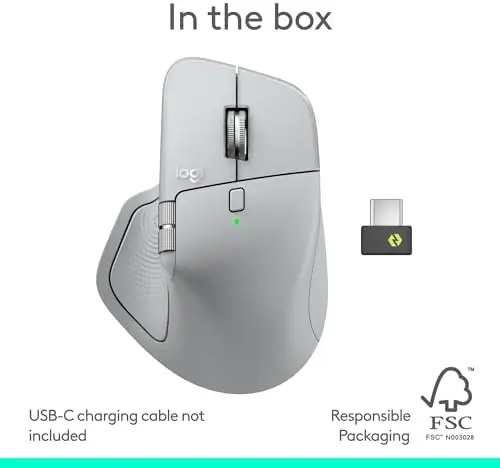
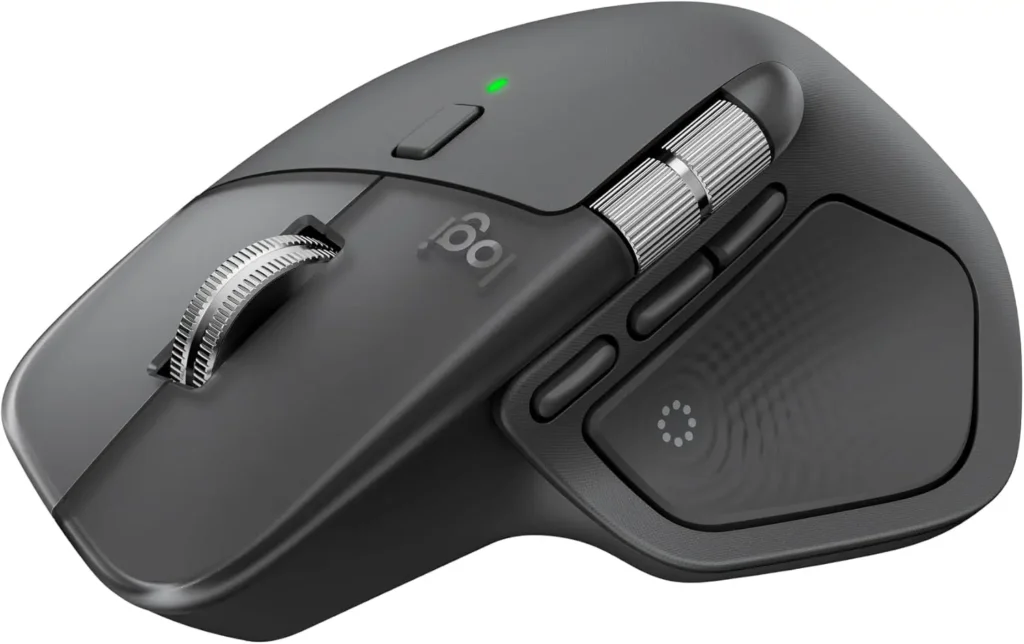
The Logitech MX Master 4 is designed for people who expect more from a wireless mouse than basic cursor control. Combining an ergonomic shape with advanced customization, haptic feedback, ultra-fast scrolling, quiet clicks, and high-precision tracking, it is built around one central idea: making everyday computer work smoother, faster, and more comfortable.
Whether you spend your day working with documents, spreadsheets, creative applications, web browsers, or multiple productivity tools, the MX Master 4 offers a feature-rich experience that can help reduce repetitive actions and keep frequently used controls within easy reach. Its graphite finish also gives the mouse a professional, understated appearance that fits naturally into a modern workstation.
A More Interactive Mouse Experience with Haptic Feedback
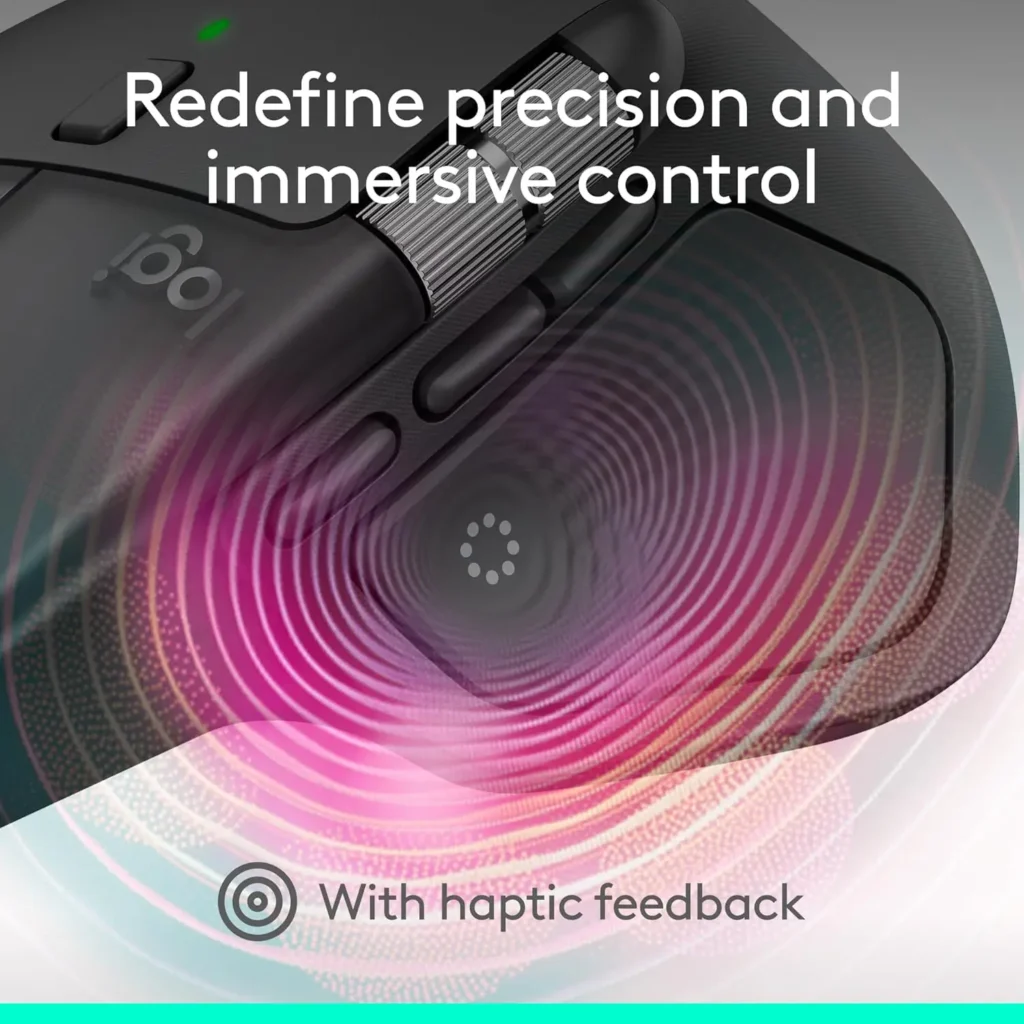
One of the most distinctive features of the MX Master 4 is the Haptic Sense Panel. Instead of limiting feedback to the physical movement and clicks of a traditional mouse, Logitech adds customizable haptic feedback that can respond to specific actions, shortcuts, and notifications.
This feature can make certain interactions feel more immediate and noticeable. Rather than constantly looking away from your screen to confirm that an action has happened, subtle haptic feedback can provide an additional layer of confirmation.
The haptic system is also customizable, which makes it more useful for different workflows. Users who frequently perform repetitive tasks can configure feedback around the actions that matter most to them. This flexibility gives the mouse a more personalized feel and helps distinguish it from conventional wireless mice.
For professionals who spend many hours working at a computer, these small improvements can add up. The MX Master 4 is clearly designed not just to move a pointer but to become an active part of the user’s workflow.
Actions Ring Makes Shortcuts More Accessible

Another productivity-focused feature is the Actions Ring. This customizable on-screen overlay provides quick access to frequently used tools, adjustments, filters, and shortcuts directly around the cursor.
The concept is particularly useful for people who work across different applications. Instead of remembering numerous keyboard shortcuts or repeatedly moving the pointer through menus, commonly used commands can be brought closer to where the work is happening.
View on Amazon
Because the Actions Ring can adapt to individual applications, it has the potential to become especially useful in creative and professional software. Different programs often have completely different controls, and having access to relevant shortcuts without leaving the main working area can make navigation more efficient.
This feature also highlights one of the MX Master 4’s biggest strengths: customization. Rather than forcing every user into the same workflow, Logitech gives users considerable flexibility to configure the mouse around their own habits.
MagSpeed Scrolling Is Built for Fast Navigation
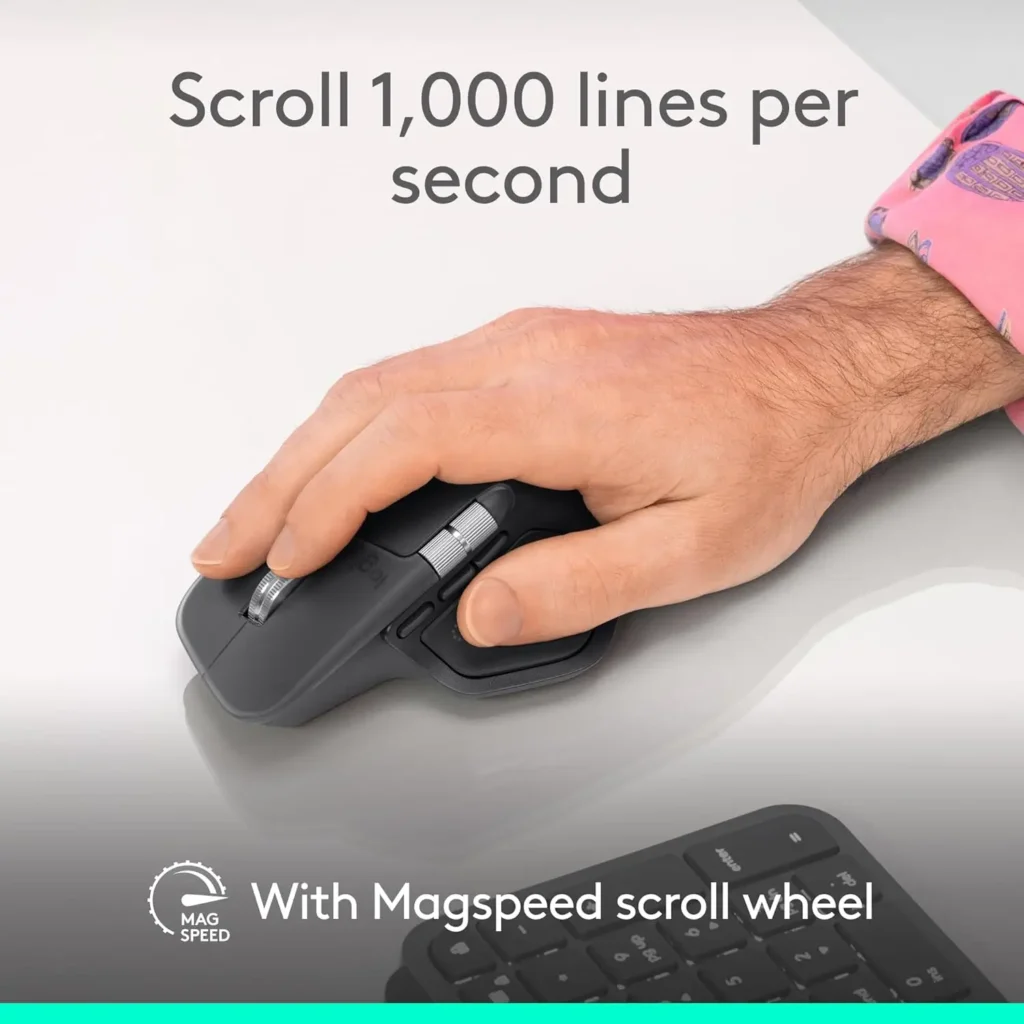
Scrolling is something most computer users perform hundreds of times a day, so the quality of a scroll wheel can have a surprisingly large impact on the overall experience.
The MX Master 4 uses Logitech’s MagSpeed scroll wheel, which is engineered for both rapid movement and precise control. It can scroll through large amounts of content extremely quickly while still allowing the user to stop accurately when more precise navigation is required.
This makes the mouse particularly well suited to long documents, large spreadsheets, lengthy web pages, project files, and other content where constant scrolling is necessary.
The scroll wheel is also designed to operate quietly. That combination of speed, accuracy, and reduced noise makes it a strong match for office environments and focused workspaces where unnecessary sounds can become distracting.
The addition of a thumb scroll wheel further expands the navigation options. Horizontal scrolling can be particularly helpful when working with wide spreadsheets, timelines, large documents, image-editing interfaces, and other applications where moving from side to side is common.
High-Precision Tracking on Virtually Any Surface
The MX Master 4 supports tracking up to 8,000 DPI and is designed to work across a wide range of surfaces. This gives users greater flexibility when setting up their workspace.
High DPI tracking can be useful when precise pointer movement and quick navigation need to coexist. Users can adjust the sensitivity according to their preferences, whether they prefer slower, controlled movements for detailed tasks or faster cursor movement across larger displays.
The ability to track on different surfaces is another practical advantage. It reduces the need to build the entire workspace around a particular mouse pad or surface type.
For people who frequently move between home offices, professional workstations, shared desks, or different environments, this flexibility can make the MX Master 4 more convenient to use.
Wireless Connectivity Designed for Reliability

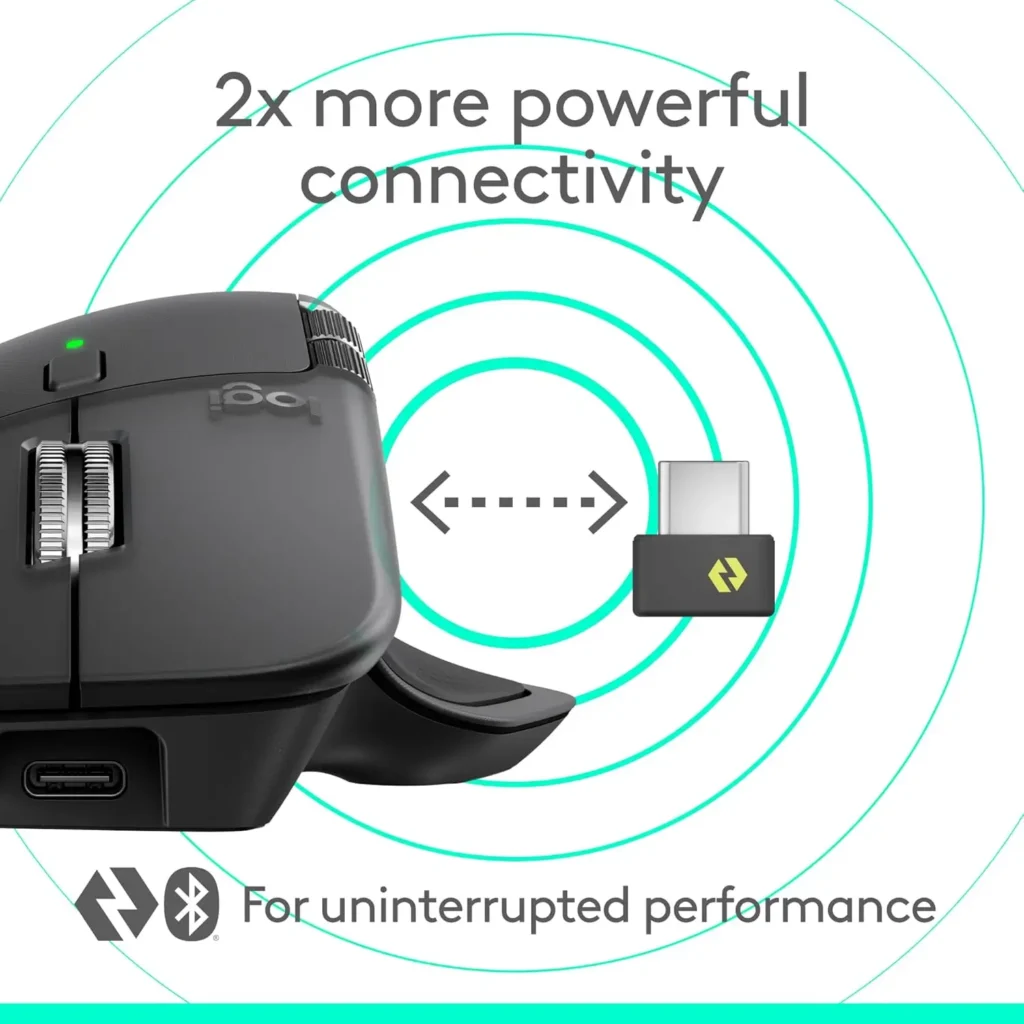
Wireless performance is another important part of the MX Master 4 experience. Logitech combines a USB-C dongle with an advanced radio chip and optimized antenna to provide a stronger and more reliable wireless connection.
The included dongle offers a straightforward option for computers where a dedicated wireless connection is preferred. At the same time, Bluetooth connectivity provides additional flexibility for compatible devices.
This dual approach is useful for people who work across different computers or regularly switch between devices. Bluetooth can simplify the setup, while the dedicated wireless connection provides another option for users who want a more traditional plug-and-use wireless configuration.
USB-C connectivity also fits naturally into modern computing setups, making the mouse feel current rather than tied to older peripheral standards.
Ergonomic Design for Long Working Sessions
The MX Master series has long emphasized ergonomics, and the MX Master 4 continues that approach with a shape designed to support a more natural hand position.
The mouse features a natural tilt along with intuitive buttons and a dedicated thumb scroll wheel. These details are designed to make navigation feel more fluid while helping reduce unnecessary hand movement.
Ergonomics are particularly important for people who spend several hours each day at a computer. A mouse that feels comfortable during a short session can feel very different after an entire workday, so the emphasis on hand positioning and accessible controls is a meaningful advantage.
The thumb area also gives the mouse a more structured control layout. Instead of requiring the user to move their hand constantly to reach different functions, several controls can be accessed naturally from the mouse’s resting position.
For productivity-focused users, this combination of comfort and accessibility can make the MX Master 4 a strong everyday companion.
Quiet Clicks for a More Focused Workspace

The MX Master 4 also places considerable emphasis on reducing click noise. Its Quiet Clicks are designed to provide a soft, satisfying click while reducing audible noise by up to 90 percent compared with traditional Logitech mice.
This is more than a minor convenience for people who work in shared environments.
A quieter mouse can be useful in an office, library, home workspace, or meeting environment where repeated clicking can become distracting. It can also help create a calmer desk setup for people who prefer minimal background noise while concentrating.
The goal is not simply to make the mouse silent but to retain a satisfying tactile interaction while reducing the sound associated with clicking. That balance is particularly appealing for professionals who use their mouse constantly throughout the day.
A Strong Choice for Creative and Professional Work

The MX Master 4’s feature set makes it particularly interesting for users who rely on productivity and creative applications.
The customizable Haptic Sense Panel and Actions Ring can provide shortcuts and feedback that are tailored to specific tasks, while the precise tracking and scrolling system makes navigating complex interfaces easier.
For designers, editors, developers, writers, analysts, and other professionals, the ability to customize controls around individual workflows can be more valuable than simply having additional buttons.
The mouse can also be useful for everyday office work. Managing documents, spreadsheets, email, browsers, presentations, and other applications becomes more convenient when navigation controls are easily accessible.
Thoughtful Materials and Long-Term Design

Logitech has also incorporated sustainability considerations into the MX Master 4. The plastic components include recycled plastic, with the graphite version incorporating 54% recycled plastic according to the provided specifications.
The mouse also uses 100% recycled cobalt in its battery and is designed with improved stain resistance.
These choices do not change the core functionality of the mouse, but they add another positive aspect to the overall design. For buyers who consider material sourcing and product longevity when choosing technology, these details can make the MX Master 4 more appealing.
The focus on durability is also appropriate for a mouse intended for frequent daily use. A productivity peripheral is something users interact with constantly, so long-term usability matters just as much as a list of specifications.
Final Verdict

The Logitech MX Master 4 is a premium productivity-focused wireless mouse that brings together comfort, precision, customization, and advanced controls in a single device.
Its Haptic Sense Panel adds a distinctive form of customizable feedback, while the Actions Ring makes frequently used tools and shortcuts easier to access. The MagSpeed scroll wheel provides fast navigation without sacrificing precision, and the thumb scroll wheel adds useful control for horizontal movement.
The ergonomic shape is well suited to extended computer sessions, while Quiet Clicks help create a less distracting working environment. High-resolution tracking and flexible wireless connectivity further strengthen its versatility, making it suitable for a wide range of professional and everyday computing tasks.
Perhaps the biggest advantage of the MX Master 4 is how well its individual features work together. It is not simply a mouse with a high DPI sensor or a comfortable shape. Instead, Logitech has created a peripheral centered around productivity and personalization.
For users who spend significant time at a computer and want a wireless mouse that can adapt to their workflow, the Logitech MX Master 4 is a compelling option. Its combination of ergonomic design, advanced haptics, customizable controls, fast scrolling, quiet operation, and flexible connectivity makes it a sophisticated choice for modern workspaces.